 termal
News
What's new in Termalin
One article per release: what changed, why it matters and where to start.
Every fix, release by release, is in the changelog.
Internal sites: reach a private dashboard from any browser
Open a dashboard or admin panel on a private network from any browser, no port forwarding. Plus backups for Windows and macOS servers, and per-server alerts.
Read the article →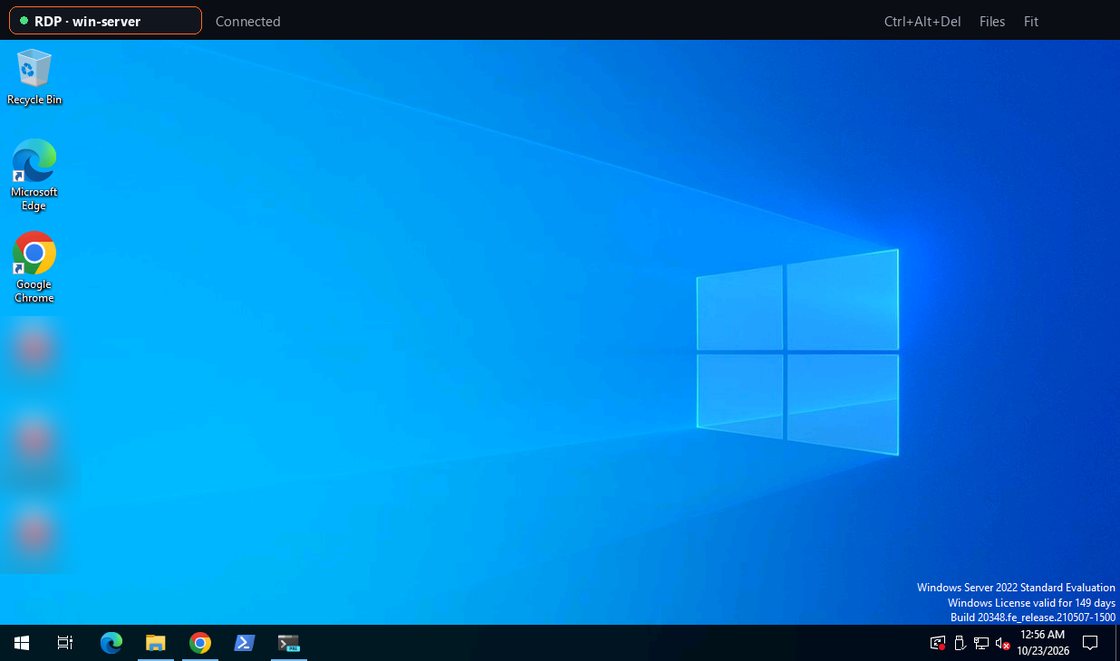
Remote desktops in a tab, and Connectors on Windows and macOS
Open an RDP or VNC desktop in a tab — directly or through a Connector with no inbound port. Plus Connectors, monitoring and encrypted backups on more systems, and Termalin for Chrome.
Read the article →An AI assistant for your terminal: summarize, explain, suggest
Summarize what a session did, explain terminal output, and turn a plain request into a command — with your plan's allowance or your own Anthropic key.
Read the article →Run Termalin's AI assistant on your own model
Point the AI assistant at any OpenAI-compatible endpoint, or a local model through Ollama or LM Studio. Requests go straight from your device, with no allowance.
Read the article →A database client built into Termalin — 13 engines
Browse, query and edit PostgreSQL, MySQL, MongoDB, Redis and nine more engines — reached through an SSH host or a Connector, with no exposed port.
Read the article →Command suggestions as you type, plus two-factor and passkeys
Start typing and the rest of the command appears as ghost text, drawn from your own history and snippets. Plus two-factor sign-in, passkeys, and a smoother full-screen terminal.
Read the article →Follow along via RSS.